On this page
An AI chatbot is only as good as what it knows. If it can’t find the answer in your content, it will either guess or give up. This guide shows how to give Aisk a complete, accurate knowledge base — and how to keep it that way.
How Aisk “learns”
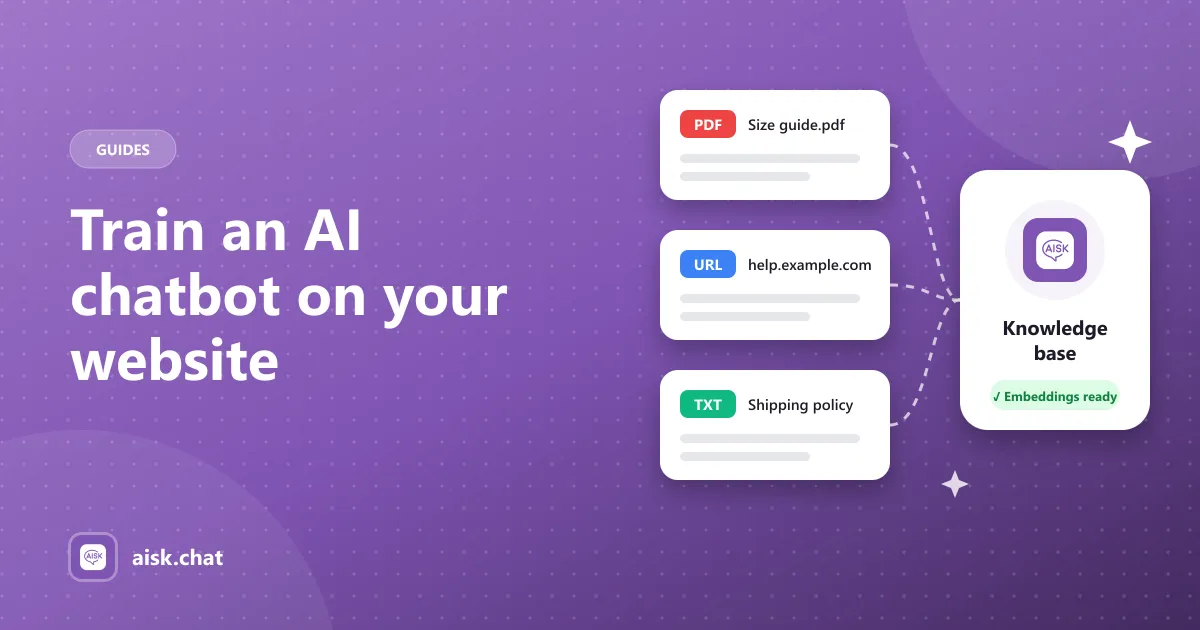
Aisk doesn’t fine-tune a model. Instead it uses embeddings: it splits your content into passages, turns each passage into a numeric vector with OpenAI, and stores those vectors for your site.
When a customer asks a question, Aisk finds the passages closest in meaning and uses them to write the reply. That has two practical benefits:
- Answers are grounded in your content, not the model’s general knowledge.
- Updating is fast — regenerate embeddings and the bot knows your latest content.
Step 1: Choose what goes in
Before generating anything, open Settings → Aisk and review the content settings.
- Pick content types. Include the pages, posts and WooCommerce products that customers actually ask about.
- Exclude what doesn’t help. Internal pages, outdated announcements or thin pages can confuse answers. Exclude specific posts or pages so they’re never indexed.
A smaller, accurate knowledge base beats a large, noisy one.
Step 2: Generate embeddings
Click Generate Embeddings. Aisk scans the selected content and builds the index. Larger stores take longer — let it finish before testing.
Step 3: Add external knowledge
Some of your best answers don’t live on a WordPress page. In the External Knowledge section you can add:
| Source | Good for |
|---|---|
| PDFs and documents | Size charts, manuals, warranty terms, catalogs |
| External website URLs | Help centers, docs sites, supplier info |
| Custom text | Shipping rules, return policy summaries, opening hours |
Custom text is especially useful for short, precise facts. Write it the way you’d want the bot to say it.
Step 4: Test like a customer
Open your site in a private window and ask the questions you get most often. Phrase them casually, with typos, the way real customers do. If an answer is wrong or missing, the fix is almost always in the content:
- Find the page that should answer the question.
- Make the answer explicit — a clear sentence beats a vague paragraph.
- Regenerate embeddings and test again.
Step 5: Keep it fresh
Whenever you add products, change prices or update policies, regenerate embeddings. A good habit is to do it as part of any content update, the same way you’d clear a cache.
What happens when there’s no answer?
Even the best knowledge base has gaps. When Aisk can’t find relevant content, it falls back to your support information or offers to create a support ticket. Check those tickets regularly — each one is a hint about content you should add.
Frequently asked questions
Does Aisk fine-tune an AI model on my content?
No. Aisk uses embeddings: it splits your content into passages, turns each into a vector with OpenAI and retrieves the closest passages to answer each question, so replies are grounded in your content.
What can I add besides my WordPress pages?
In the External Knowledge section you can add PDFs and documents, external website URLs and custom text such as shipping rules, return policies or opening hours.
How do I fix a wrong chatbot answer?
Find the page that should answer the question, make the answer explicit in a clear sentence, then regenerate embeddings and test again.
How often should I regenerate embeddings?
Regenerate whenever you add products, change prices or update policies — not on a fixed schedule.
Aisk Team
We build Aisk, the free AI sales chatbot for WordPress and WooCommerce. Questions about this article? Ask in thesupport forum.