Most store owners know the same handful of questions arrive every day: Do you have this in my size? Where is my order? Do you ship to my country? Answering them is important, but it doesn’t need a human every time.
Aisk is a WordPress plugin that answers those questions for you. It reads your website, understands your WooCommerce catalog, and replies to customers around the clock — on your site, on WhatsApp and on Telegram.
What Aisk does
It learns from your website
Click Generate Embeddings and Aisk indexes your pages, product descriptions and FAQs. There are no intents to configure and no conversation trees to draw. When your content changes, regenerate and the assistant is up to date.
You can also feed it knowledge that doesn’t live on your site: PDFs, documents, external web pages and custom text.
It sells your products
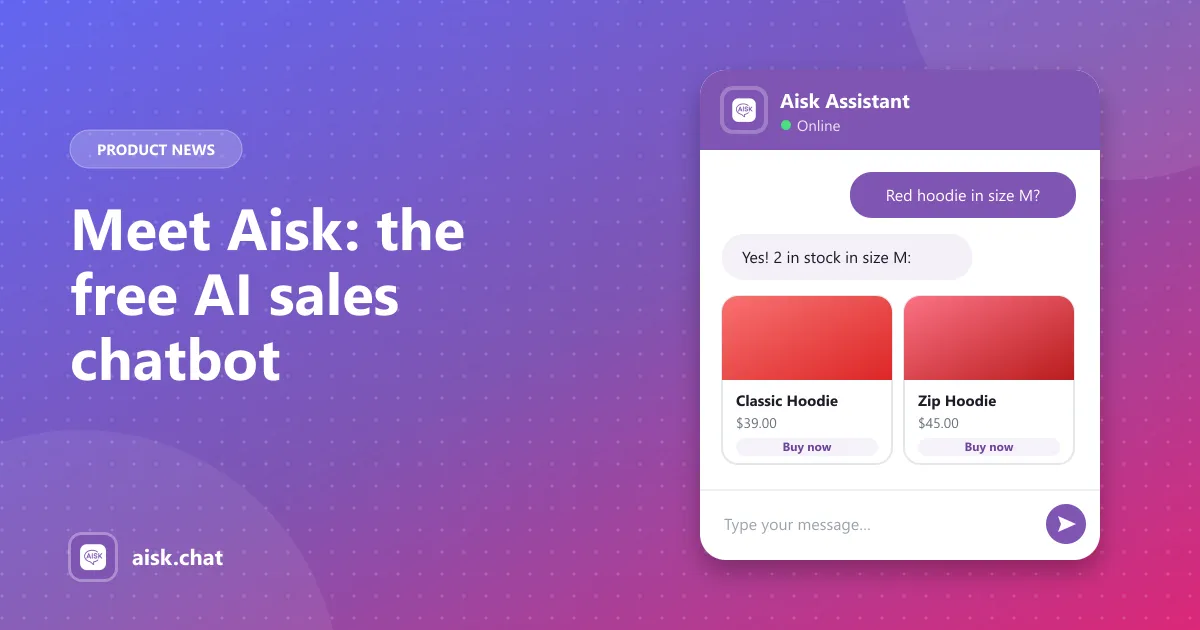
Customers can describe what they want in their own words — “a red hoodie in medium” — and Aisk searches your catalog by description, color, size and category. Results come back as product cards with images, prices and a purchase link.
It tracks orders
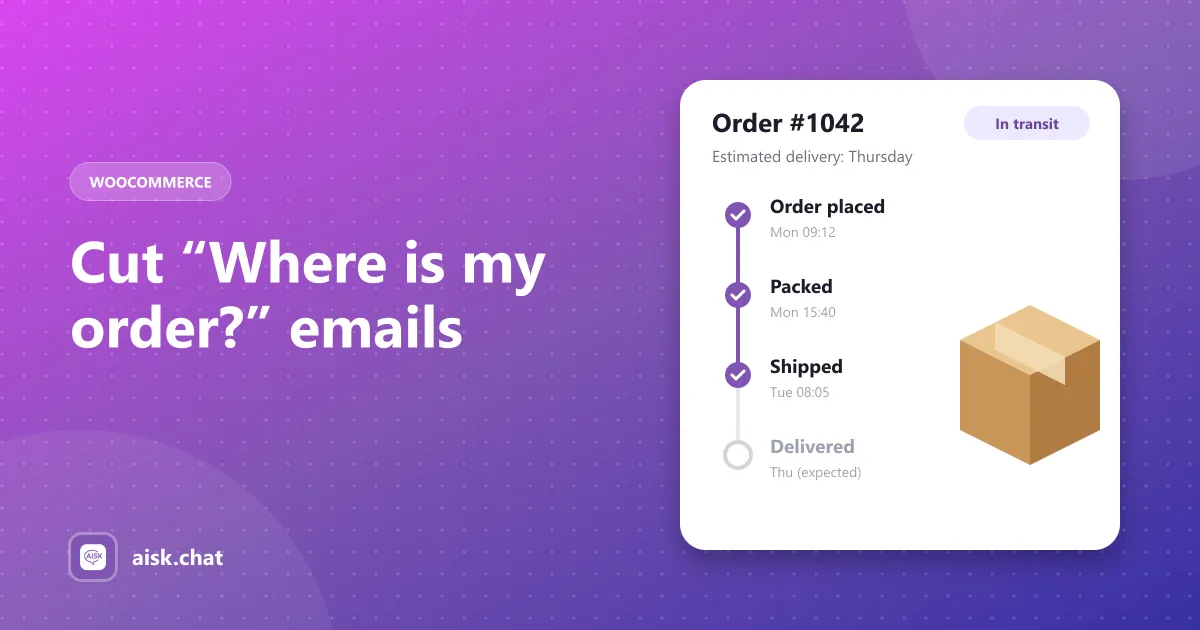
With an order number and email address, customers can check order status and shipping details without opening a support ticket.
It hands off to humans
When Aisk can’t find an answer, it doesn’t guess. It shares your support details or lets the customer open a support ticket, so nothing falls through the cracks.
Free, with no tiers
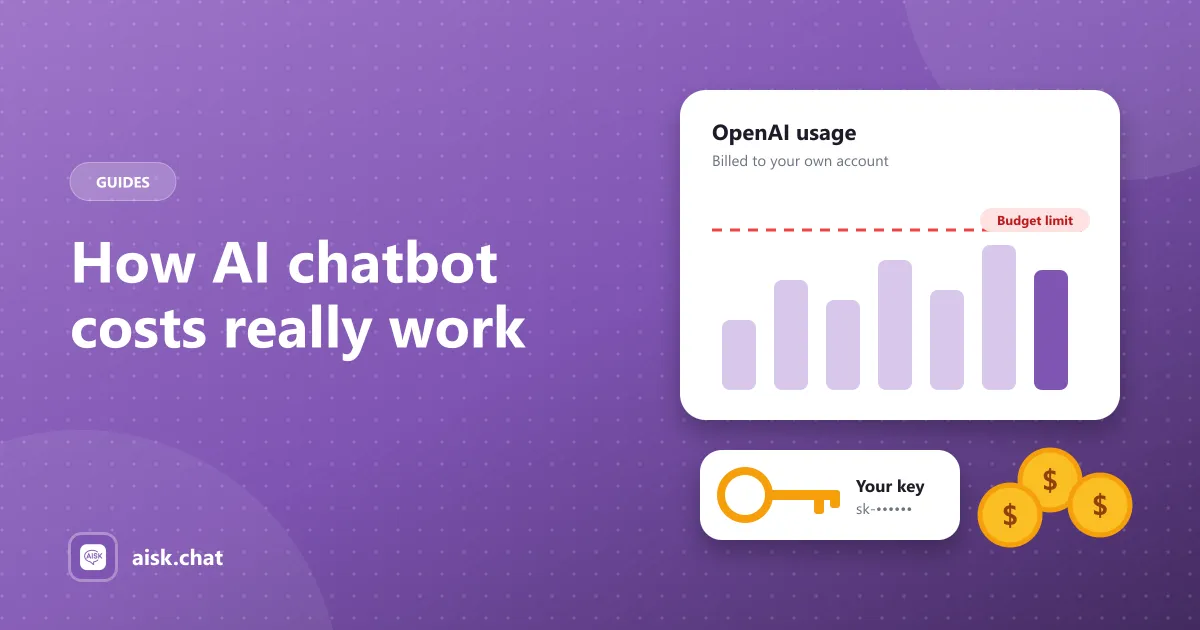
Aisk has no free or paid plans and no usage limits. Every feature is included. You bring your own OpenAI API key, so AI usage is billed directly to your OpenAI account and you stay in control of cost.
Get started
- Install Aisk from the WordPress plugin directory.
- Go to Settings → Aisk and paste your OpenAI API key.
- Click Generate Embeddings.
That’s it — the chat widget is live. The setup guide walks through WhatsApp, Telegram and widget customization when you’re ready.
Frequently asked questions
What does Aisk do?
Aisk answers customer questions on your WordPress site, WhatsApp and Telegram. It learns your pages, products and FAQs, searches your WooCommerce catalog, looks up orders and opens support tickets when it can’t answer.
How much does Aisk cost?
The plugin is free with every feature included and no usage limits. AI usage is billed by OpenAI directly to your own API account.
How do I set up Aisk?
Install Aisk from the WordPress plugin directory, paste your OpenAI API key in Settings → Aisk and click Generate Embeddings. The chat widget is then live.
Aisk Team
We build Aisk, the free AI sales chatbot for WordPress and WooCommerce. Questions about this article? Ask in thesupport forum.