On this page
Your customers already spend their day in messaging apps. Meeting them there — with the same answers they’d get on your website — removes friction from buying and from getting help.
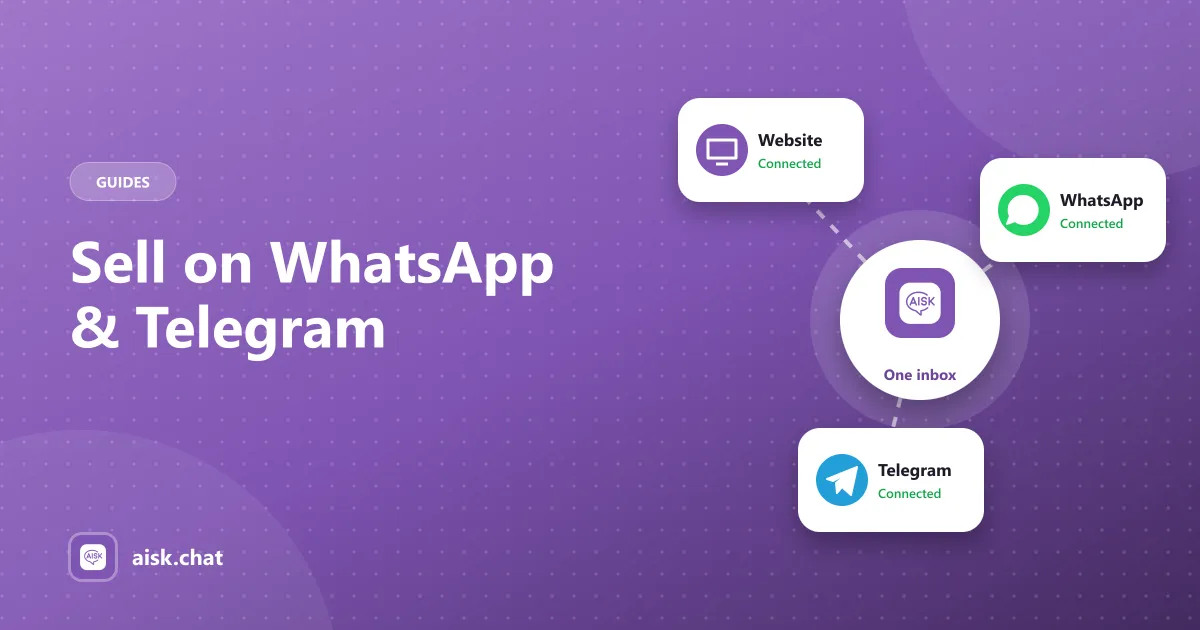
Aisk runs one assistant across three channels: your website, WhatsApp and Telegram. It uses the same knowledge base and the same WooCommerce data everywhere.
What customers can do in messaging apps
- Search products by description, color, size or category
- See product carousels with images and links (Telegram)
- Track orders with their order number and email
- Open a support ticket when they need a person
Connecting WhatsApp (via Twilio)
Aisk connects to WhatsApp through Twilio.
- Create a Twilio account and set up a WhatsApp sender (the Twilio sandbox works for testing).
- Copy your Twilio credentials into the WhatsApp section of Settings → Aisk.
- Add the webhook URL Aisk shows you to your Twilio WhatsApp configuration.
- Send a test message to your WhatsApp number.
Connecting Telegram
- Open Telegram and message @BotFather to create a new bot.
- Copy the bot token BotFather gives you.
- Paste it into the Telegram section of Settings → Aisk and save.
- Message your bot to test it.
One dashboard for everything
Every conversation — website, WhatsApp or Telegram — shows up in the omnichannel dashboard. You can read the full history, see which channel it came from, and step in when a human is needed.
A note on privacy
Messages sent through WhatsApp and Telegram pass through Twilio and the Telegram Bot API respectively, and replies are generated with OpenAI. Mention these services in your privacy policy. Our privacy page lists exactly which services Aisk uses and what each one receives.
Frequently asked questions
How do I connect Aisk to WhatsApp?
Create a Twilio account with a WhatsApp sender, copy your Twilio credentials into the WhatsApp section of Settings → Aisk and add the webhook URL Aisk shows you to your Twilio configuration.
How do I connect Aisk to Telegram?
Message @BotFather in Telegram to create a bot, then paste the bot token into the Telegram section of Settings → Aisk and save.
What can customers do on WhatsApp and Telegram?
They can search products, track orders with their order number and email, open support tickets and, on Telegram, browse product carousels.
Aisk Team
We build Aisk, the free AI sales chatbot for WordPress and WooCommerce. Questions about this article? Ask in thesupport forum.